
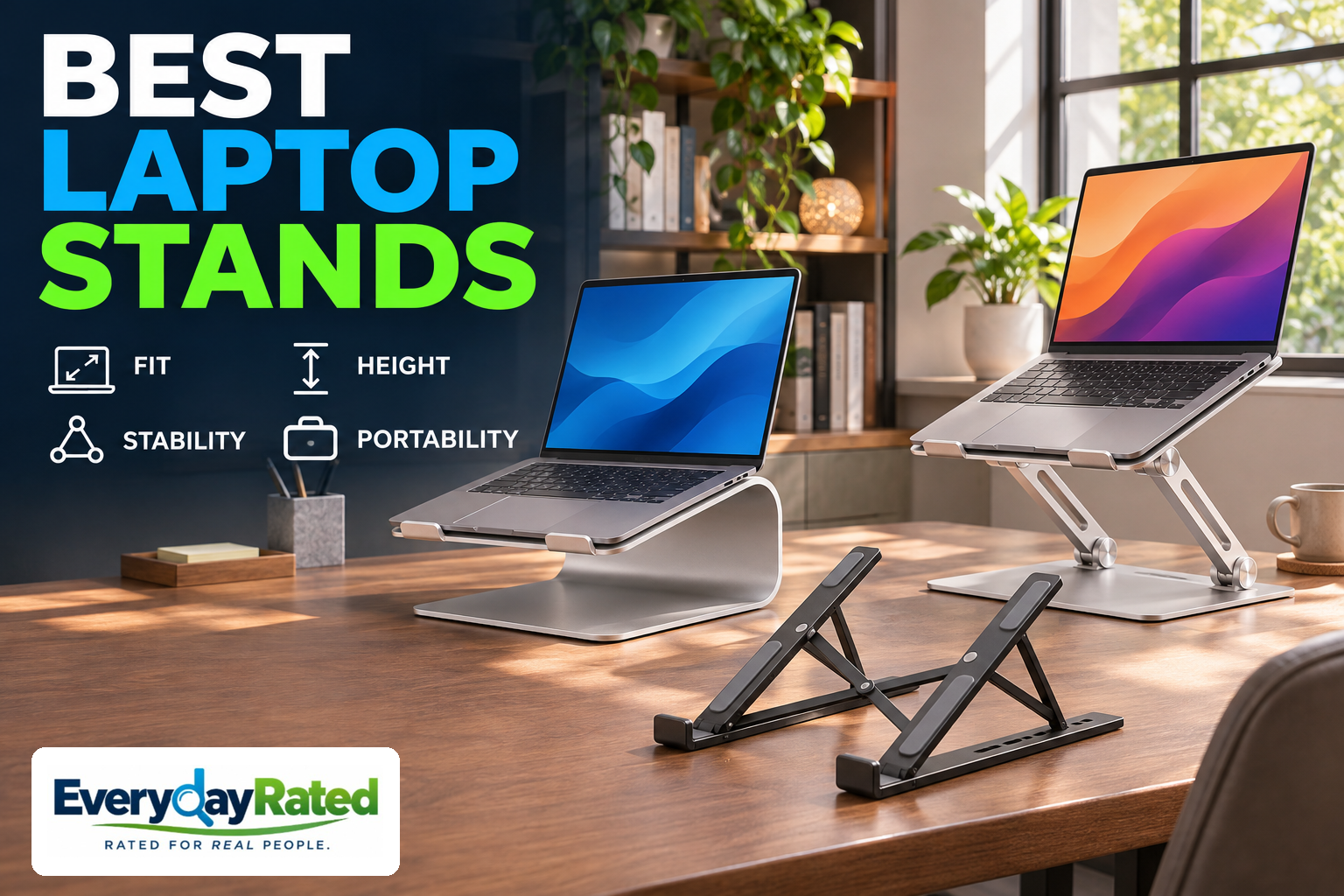
The best laptop stands give your screen a useful lift without turning your desk into a balancing act. Our Best Overall desk pick for 2026 is the Rain Design iLevel2. Choose the Rain Design mStand for fixed-height value or the Roost V3 for a lighter travel setup.
A stand is one part of a workstation. We focused on open-laptop supports for seated work, with U.S. pricing and a separate keyboard and mouse in mind. This guide does not cover closed-lid storage holders, cooling pads or full standing-desk converters. The best match depends on fit, needed lift and whether the stand leaves the house.
Affiliate disclosure
Affiliate disclosure: EverydayRated may earn a commission from qualifying purchases, at no additional cost to you. Our recommendations are based on independent research and product specifications. Affiliate relationships do not determine our rankings.
Quick Answer
Rain Design iLevel2 (iLevel)
4.5 / 5
A regular desk setup that needs easy height adjustment.
About $65
Rain Design mStand
4.4 / 5
A permanent desk where a fixed riser already matches your setup.
About $50
Roost V3
4.3 / 5
Hybrid workers and travelers carrying a separate keyboard and mouse.
About $69 promotional / $90 regular
Buy the iLevel2 if you want easy desk adjustment. Spend less on the mStand only when its fixed height works. Pick the Roost V3 when folded size matters. Check your setup before choosing a stand by its maximum height alone.
How We Evaluated
Last Reviewed: November 8, 2026. This is a research-based guide. EverydayRated did not physically test these stands. We checked manufacturer specifications and U.S. purchase listings, then reviewed original hands-on reporting from Tom’s Guide, TechGearLab and Pack Hacker.
Our consistent editorial rubric gives greatest weight to fit and stability, followed by useful adjustment, setup and portability, construction and support evidence, then total cost and value. Scores are rounded editorial judgments out of 5, not lab measurements or retailer stars. Each review explains the deductions. The Best Overall award assumes a seated desk with an external keyboard and mouse.
We also considered the Twelve South Curve Flex and lower-cost designs in the independent comparisons, including iVoler, Nulaxy C5 and Soundance. Curve Flex offers a different folding arrangement, but Tom’s Guide reported that hinge tension needed attention. TechGearLab’s tested Soundance had uneven arms, while its C5 became less stable at greater extension. These are observations about the tested samples, not failure rates for every unit. [7] [8] [13]
Older tests remain useful for unchanged designs, but do not establish current inventory or durability. TechGearLab’s Roost coverage describes an older three-setting version; we used Pack Hacker’s seven-setting V3 review for this exact travel pick. Prices exclude tax, shipping and accessories. Retail pages can show cached delivery dates, so confirm your location, seller and selected color at checkout.
At a Glance: Best Laptop Stands
| Stand / score | Adjustment | Portability | Price snapshot | Main trade-off |
|---|---|---|---|---|
| iLevel2 / 4.5 | 5.4–7.9-inch stand height; coupled tilt | 1.6 kg; desk-oriented | About $65 | Easy slider; bounce at maximum height |
| mStand / 4.4 | Fixed 5.9-inch stand height | 1.46 kg; does not fold | About $50 | Simple and stable; one position |
| Roost V3 / 4.3 | 7 positions; 6.5–12.5-inch stated screen lift | 178 g claimed; folds narrowly | About $69 sale / $90 regular | Excellent bag fit; grip compatibility matters |
Read the height labels carefully: stand height and manufacturer-stated screen lift are different measurements. Laptop dimensions and lid position affect the final screen height.
1. Rain Design iLevel2 (iLevel)
EverydayRated score: 4.5 / 5
Key specifications: 5.4–7.9-inch stand height; 10.1 × 8.8-inch footprint; 1.6 kg (3.5 lb); front slider; aluminum.
The iLevel2 is our Best Overall choice for a desk where you use a separate keyboard and mouse. Its main advantage is practical: you can refine screen position with a front slider instead of picking one permanent riser height. That flexibility is worth the roughly $15 premium over the mStand when you are still finding the right arrangement.
Rain Design calls its current second-generation model both iLevel and iLevel2. It lists a 5.4–7.9-inch stand height and a 1.6 kg weight. The linked silver retail model is 12031, listed at $64.90. These are stand dimensions, not a promise that every laptop’s screen top will land at the same height. Screen size and lid angle also matter. [1] [2]
Tom’s Guide’s hands-on reviewer found the front adjustment convenient but observed that height and keyboard angle change together. At the highest position, direct typing produced substantial bounce. That finding matters more than an attractive desk photograph: this is a raised-screen support, and a separate keyboard belongs in the buying budget. [7]
For a permanent workstation, easy adjustment can be more useful than a dramatic maximum lift. You might want the laptop beside an external display for email, then centered for a call. You still need to check viewing distance and screen alignment each time; sliding the platform does not adjust the chair, desk or external monitor for you.
Its weight and bulky shape make it a poor daily commuter. Choose it because it stays on the desk, with the input devices at a comfortable working height. Rain Design’s consumer policy lists a one-year warranty against manufacturing defects and workmanship. That does not establish a measured service life, and we found no controlled long-term failure-rate comparison. [9]
Before ordering, compare the needed lift with the listed range. If even the highest setting leaves your display too low, the slider cannot solve that mismatch. If a fixed riser already fits, the mStand costs less. The 4.5 score rewards useful everyday adjustment and documented usability; coupled tilt, high-position bounce and limited portability keep it from a higher mark.
Pros
- Convenient front slider for desk adjustments
- Documented current second-generation model
- Modest price step up from the fixed mStand
Considerations
- Height and platform angle change together
- Independent reviewer found bounce at maximum height
- Heavy and bulky for everyday travel
Why We Picked It
The most useful default for a seated laptop desk with external input devices, provided its height range fits your workstation.
2. Rain Design mStand
EverydayRated score: 4.4 / 5
Key specifications: 5.9-inch stand height; 10 × 7.5-inch base; 1.46 kg manufacturer-listed weight; single-piece aluminum; cable opening.
The mStand is the straightforward alternative for someone who has already worked out the required height. It has no adjustment mechanism to manage and costs less than the iLevel2. That makes it our fixed-height value choice, rather than a claim that it is the cheapest laptop stand available.
Rain Design specifies a 5.9-inch height and a 10-by-7.5-inch base, with single-piece aluminum construction, protective pads and a rear cable outlet. Its listed metric weight is 1.46 kg. The linked black model is 10075, and the checked retailer listing showed $49.90. This recommendation is the regular mStand, not the swivel-base mStand360. [3] [4]
TechGearLab’s original comparison found the mStand relatively stable for direct typing among stands that lift the whole laptop. Its reviewers also highlighted the rubber contact pads and cable routing. That is helpful independent evidence for the simple design, although it does not mean elevated typing is the right position for a long work session. [8]
The real value calculation happens before checkout. Set up your normal chair and desk, then estimate where your screen would sit on a riser of this height. If it is already too high or still too low, a discount will not make the stand suitable. A fixed design works best when the desk belongs to one person and the laptop arrangement changes infrequently.
It also occupies space when you are away. There is room underneath for some accessories, but the stand does not fold into a bag or disappear into a drawer. Check the footprint against a small desk, and make sure a charging cable can reach without tugging on the computer. Rain Design’s one-year limited defect warranty also applies here. [9]
Choose the mStand for simplicity at a settled workstation. Skip it for daily travel, frequent changes of desk, or a setup requiring independent height and tilt adjustment. Its 4.4 score recognizes stable construction and lower cost, while the single position limits how broadly we can recommend it. Do not buy it on the assumption that aluminum alone proves cooler temperatures or faster computing.
Pros
- Simple construction with no adjustment joints
- Useful independent stability evidence
- Lower price than the adjustable desk pick
Considerations
- Fixed height and platform angle
- Bulky shape does not fold for travel
- Fit depends on your desk, laptop and seated position
Why We Picked It
A sensible way to spend less when you know its fixed geometry works; paying for adjustability adds little in that situation.
3. Roost V3
EverydayRated score: 4.3 / 5
Key specifications: 7 height settings; 6.5–12.5-inch manufacturer-stated screen lift; 178 g claimed weight; folds to 1 × 1.5 × 13 inches.
The Roost V3 is our travel pick because a stand only helps away from home if you actually carry it. Its narrow folded shape makes more sense in a work bag than a broad aluminum platform. Choose it for repeated sessions at temporary desks, rather than for a five-minute message at a crowded café table.
The exact V3 product page lists seven positions, a 178 g weight and a folded size of 1 by 1.5 by 13 inches. It showed a $69.26 promotional price against $89.95 regular pricing. The V3 Plus is a separate option with eleven settings and quick-release adjustment; those features should not be assumed on the standard V3. [5]
Pack Hacker’s original V3 review supports the travel case: its reviewers liked the opening mechanism and self-locking design, and used it with a 16-inch MacBook Pro. They also cautioned that the thin frame may feel less convincing with heavier laptops. Their review includes differing weight figures, including 191.9 g in the technical details, so treat 178 g as a manufacturer claim rather than a verified measurement. [6]
Compatibility needs a closer look than the phrase “fits all laptops.” Roost’s fitting guide requires a front chassis edge less than 0.75 inch thick. Protective cases, unusually thick front lips and a convertible’s shape can therefore change the answer. Ask Roost about your exact laptop if the grip area is unusual. [10]
Pack the whole workstation before deciding this is the lightest practical solution. You will normally want a keyboard and mouse, enough table depth for them, and somewhere to route power. If your usual workspace is an airplane tray or a tiny coffee table, the total arrangement can be harder to accommodate than the folded stand suggests.
The score is 4.3 because portable deployment is valuable, but the price and fit checks narrow its audience. The linked return-guarantee help page failed to load during research, and current detailed U.S. warranty terms were not verified. Confirm those terms with the seller instead of relying on older lifetime-warranty copy. Existing V3 owners should compare the Plus only if its adjustment changes solve an actual problem.
Pros
- Very narrow folded package for a work bag
- Seven documented adjustment positions
- Original V3 hands-on evidence for setup and retention
Considerations
- Accessories add weight and required table space
- Front-edge fit matters, especially with cases
- Current detailed U.S. warranty terms need seller confirmation
Why We Picked It
The strongest travel fit in this shortlist, with specific V3 evidence rather than borrowed claims about older Roost versions.
Buyer’s Guide: Find the Right Lift
1. Match the screen position to your actual desk
Start with your chair, feet supported and shoulders relaxed. Then position the screen so you can read without leaning toward it. OSHA advises placing the top line at or below eye level, with the display directly in front of you and generally 20–40 inches from your eyes. Your vision and workstation may call for adjustments. [11]
Measure where the screen needs to end up before comparing stands. A published maximum height may refer to the platform, a support point or a screen-lift claim. Those figures cannot be ranked as if they use one standard. If a laptop sits beside a large monitor, check both viewing positions instead of assuming equal top edges are always ideal.
2. Budget for a separate keyboard and mouse
Lifting a laptop also lifts its built-in keyboard. At substantial elevation, that can leave your hands reaching upward even when the screen is easier to view. External input devices let you place the screen and your hands separately. OSHA’s purchasing guidance emphasizes room and cable length for flexible component placement. [12]
For long sessions, include those accessories in the price and packing plan. A low rear-edge prop may suit occasional direct typing, but it provides less screen elevation than a full riser. If your main screen is already an external monitor and the laptop stays closed, you may gain more from a different storage arrangement than from any stand reviewed here.
3. Check the contact points, not just the screen size
A diagonal laptop size says little about the shape of its underside. Inspect front lips, rubber feet, vent locations and any protective case. The computer should sit fully on the intended pads without rocking or having its case perched on a retaining tab. Follow the maker’s setup instructions and check fit before letting go.
Test the arrangement during the return period with your usual cables connected and lid angle set. A stand should not require cable tension to hold it in position. Broad platforms and compact folding grips have different contact patterns; neither is automatically right for every computer. Use a firm, level surface and do not treat a desk stand as a lap tray.
4. Pay for the feature you will actually use
Fixed aluminum risers make sense when one workstation stays the same. Easy adjustment earns its premium at a shared desk or when screen placement changes. A compact folding mechanism earns its price when the stand travels often. Extra hinges, rotation and height add little if they never solve a problem in your routine.
Do not assume an open frame or aluminum surface delivers a specific temperature reduction, quieter fans or better battery life. We did not verify controlled cooling gains for this shortlist. Keep the laptop’s vents unobstructed and follow its manufacturer’s guidance. None of these passive stands needs a subscription or charging; ownership costs mainly involve accessories, shipping and eventual pad or mechanism wear.
Related Desk and Office Guides
If the stand is part of a wider desk refresh, our office gadgets buying guide covers docks, portable displays, webcams and other workspace choices. It can help you decide which upgrade addresses your everyday bottleneck first.
Planning where phones and other small devices will charge? Read our charging station comparison alongside your desk layout so chargers and cables have space of their own. A phone charging station does not necessarily power a laptop.
EverydayRated Verdict
Choose the Rain Design iLevel2 for most seated laptop desks with external input devices. Its slider makes finding a workable position easier, and the price premium over our fixed pick is modest. Confirm that the available lift is enough for your desk before buying.
The mStand is the better value when its fixed height already works. The Roost V3 is the travel choice when you can make room for the full keyboard-and-mouse setup. If you mostly work from an external monitor or only open the laptop briefly, you may not need a raised open-laptop stand.
The deciding factor is fit in your real workstation. A stand can help you arrange the screen, but it cannot guarantee relief from pain or replace a suitable chair, desk and regular changes of position.
Sources & Research
- Rain Design iLevel / iLevel2: current model, dimensions and adjustment
- Best Buy: silver iLevel2, model 12031, U.S. purchase listing
- Rain Design mStand: construction, dimensions and compatibility
- Best Buy: black mStand, model 10075, U.S. purchase listing
- Roost V3: current U.S. price and V3 / V3 Plus comparison
- Pack Hacker: original Roost V3 hands-on review, updated November 2022
- Tom’s Guide: original hands-on laptop stand comparison, including iLevel2 and Curve Flex
- TechGearLab: original laptop stand comparison and stability observations
- Rain Design: consumer support, returns and one-year limited warranty
- Roost: laptop fitting guide and front-edge thickness requirement
- OSHA: computer workstation monitor positioning
- OSHA: workstation equipment purchasing guide
- Twelve South: Curve Flex specifications and design