
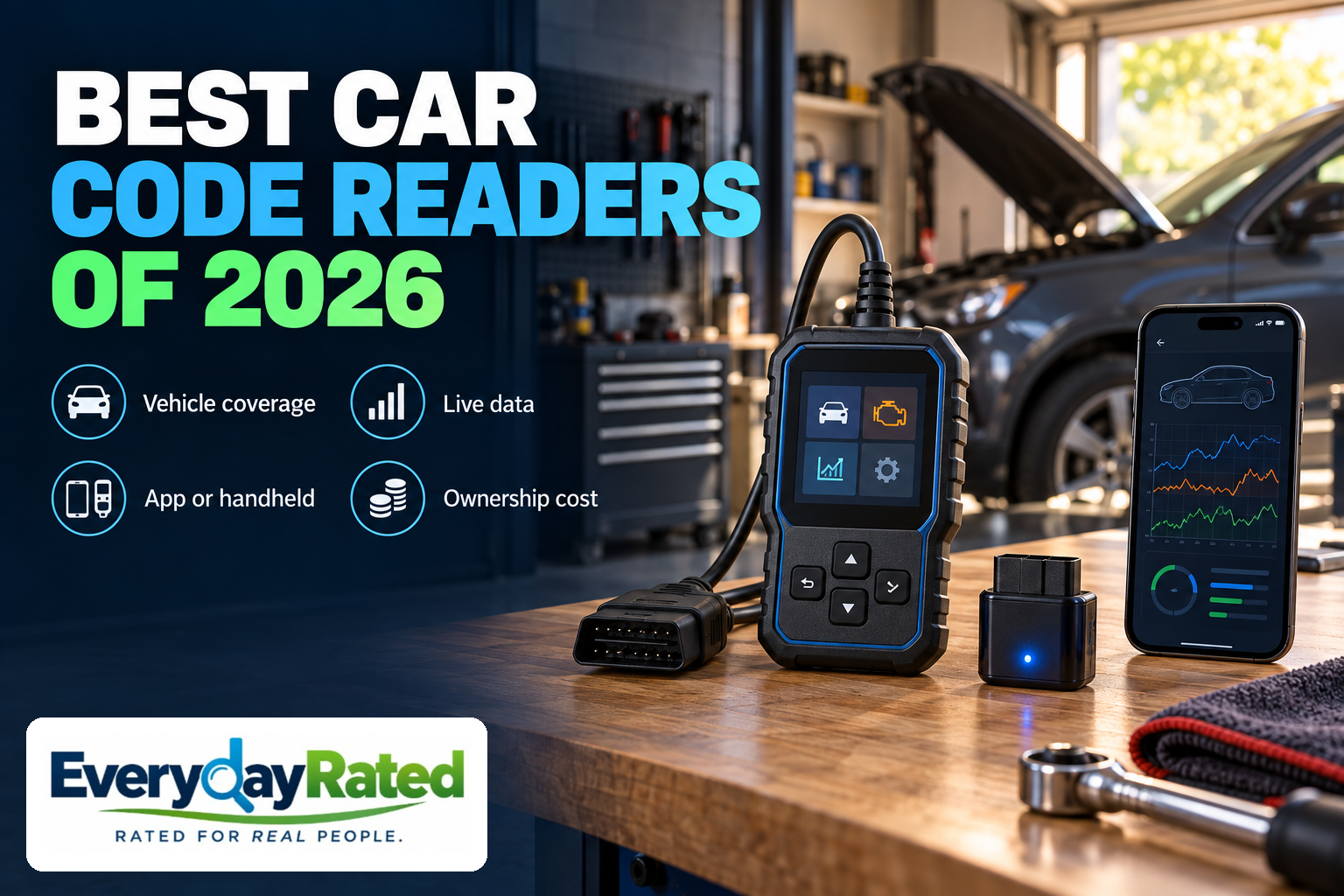
A check-engine light has terrible timing and very little vocabulary. The best car code readers give it something more useful to say: a fault code, supporting data and a clearer starting point for the next decision. Our Best Overall choice for 2026 is OBDLink MX+ for DIY owners who want flexible software support. The Autel AutoLink AL319 is the budget engine-code choice, while the Innova 5210 suits buyers who want a handheld with supported ABS code access.
This U.S.-focused guide compares consumer OBD2 readers for compatible cars and light trucks, rather than professional shop tablets. OBD2, also written OBD-II, is the vehicle’s onboard diagnostic interface. Basic compatibility does not guarantee access to every system, and a trouble code identifies an area to investigate rather than a guaranteed replacement part. [2] [6]
Quick Answer
OBDLink MX+
4.3 / 5
DIY owners who want phone or Windows diagnostics and room to expand
Midrange; check the current direct offer
Autel AutoLink AL319
4.0 / 5
Occasional check-engine codes and emissions-readiness checks
Budget; check the current distributor offer
Innova 5210
4.1 / 5
Owners wanting a dedicated screen plus supported ABS code access
Midrange; check the current direct offer
How We Evaluated
This is a research-based comparison, not a hands-on test. We reviewed current manufacturer documentation, exact-model seller listings, coverage guidance and operating instructions. We considered BlueDriver’s current offerings and lower-cost basic readers as alternatives. We did not find a sufficiently controlled, current independent comparison of these exact three products to rank them by measured retrieval speed or long-term reliability.
Our common editorial rubric weighs useful diagnostic coverage (30%), clarity and ease of the intended workflow (25%), total ownership value (20%), app or data flexibility (15%), and documented support and warranty terms (10%). Scores are qualitative editorial judgments on a five-point scale, not calculated laboratory measurements. Unsupported performance claims earn no assumed advantage.
The order reflects distinct buyer needs: Best Overall first, budget alternative second, and dedicated handheld alternative third. The Innova’s slightly higher score than the Autel reflects broader supported capability; it does not make the cheaper tool a poor buy for basic engine-code work.
Last reviewed: October 2026. Research and U.S. purchase listings checked October 19, 2026. Prices exclude tax and can change. Warranty length is not evidence of expected service life.
At-a-Glance Comparison
| Reader / award | Score | Checked price | Interface | Important limit |
|---|---|---|---|---|
| OBDLink MX+ Best Overall | 4.3/5 | Midrange; check the current direct offer | Phone / Windows | Needs a separate screen; advanced coverage depends on vehicle and app |
| Autel AutoLink AL319 Best Budget Engine-Code Reader | 4.0/5 | Budget; check the current distributor offer | Wired handheld | Engine/emissions tool; not an ABS or airbag scanner |
| Innova 5210 Best Handheld for Engine & ABS Codes | 4.1/5 | Midrange; check the current direct offer | Wired handheld | ABS coverage varies; not an all-system or programming tool |
OBDLink MX+
The MX+ is our Best Overall car code reader for an owner who wants to learn beyond the first fault-code lookup. Its strongest buying argument is flexibility: you can start with the included software, then consider a compatible specialist app when a particular vehicle calls for it. That makes more sense for a curious DIY owner than buying another reader every time the task changes.
The manufacturer lists the MX+ with iOS, Android and Windows support, a three-year warranty and a 180-day return guarantee. The hardware supports the additional MS-CAN and SW-CAN networks used by some Ford and GM vehicles. Those are useful capabilities, but they do not make every module on every vehicle accessible. [1]
The included OBDLink app offers a way to review codes and vehicle data without a required subscription. Before paying for extra software, try the included workflow and identify the information you actually need. A dashboard full of gauges is useful only when you understand the operating conditions behind the numbers. [3]
Coverage and software costs
Enhanced coverage is the important qualification. OBDLink explains that manufacturer-specific code access and manufacturer-specific live parameters are separate capabilities. Its own examples show that an app may read a vehicle’s extra codes without providing its extra live data. Check the coverage document by make, model year and module; do not stop at the broad OBD-II compatibility statement. [2]
OBDLink also lists specialist third-party apps, including options aimed at particular makes. Their functions and charges are separate from the adapter purchase. If you have one specific job in mind, confirm the app, operating system, vehicle and requested function together before ordering. Software compatibility is a route to potential capability, not a promise of dealer-level access. [4]
Our score rewards that adaptable workflow and documented support terms. It loses points for the extra research and separate screen required, and for gaps in exact-vehicle coverage. We did not establish a controlled current head-to-head speed advantage or long-term failure rate. Buy it for a supported workflow, rather than a universal “fastest scanner” claim.
Pros
- Works with phones and Windows computers
- Useful choice of included and specialist software
- Three-year stated warranty
Considerations
- No built-in screen
- Some specialist apps cost extra
- Enhanced code and live-data coverage must be checked separately
Autel AutoLink AL319
The AL319 is the sensible inexpensive choice when the question is simply, “Why did the check-engine light come on?” It keeps the interaction on a dedicated handheld rather than asking you to install an app and pair a phone. For occasional use, a tool that is easy to find and plug in can be worth more than software features you never open.
Autel’s feature listing identifies live powertrain-control-module data, freeze-frame information and a one-click emissions-readiness key. Freeze frame is a saved snapshot associated with a fault; live data shows supported values as they change. These features make the AL319 more useful than a device that only displays a code number. [5]
The checked Autelonline listing identifies the exact AL319, showed it in stock at the research check. The seller describes itself as an authorized distributor; it is not Autel’s corporate website. Compare the final delivered price and verify regional warranty handling before checkout. An old bargain screenshot is not a dependable guide to today’s total. [7]
Where the budget reader stops
Its scope is deliberately limited. Reading a manufacturer-specific engine code is different from accessing a separate ABS or airbag module. Do not choose the AL319 to investigate those warning lights, perform programming or run professional active tests. If a seller uses the phrase “full OBD2,” read it as a description of engine/emissions functions rather than universal vehicle-system access.
A useful ownership habit is to write down the complete code and the conditions when the warning appeared. Bring that record to a mechanic if you cannot verify the cause yourself. A reader can improve that conversation even when you never perform the repair. It is less useful if the only goal is to make a warning disappear.
The manual states a one-year limited warranty. We have not established a current controlled comparison of readability, retrieval speed or failure rates against the other picks. Its 4.0 score reflects good value for a narrow job, with a clear deduction for limited expansion. Choose it when you know that narrow job is enough; choose a broader tool when module access is the actual requirement. [6]
Pros
- Dedicated screen and straightforward wired use
- Live data and freeze frame beyond a bare code number
- Lowest checked purchase price in this shortlist
Considerations
- No ABS or airbag module diagnosis
- Small display is less suited to extended data review
- Regional seller and warranty handling need attention
Innova 5210
The Innova 5210 is the middle ground for someone who likes a dedicated reader but needs more than basic engine codes. The reason to spend extra over the AL319 is supported ABS code access. That is a concrete upgrade when it matches your vehicle and your intended job, rather than an excuse to collect more diagnostic features.
Innova’s direct listing showed a one-year warranty and an optional free RepairSolutions2 app. We treat that as a current listing snapshot, not a promised permanent discount. Basic handheld use does not require adopting the app, which is helpful if you prefer to keep the phone out of the initial scan. [8]
Check ABS coverage before buying
The manufacturer’s ABS instructions describe the separate ABS-code workflow. Before buying, use the coverage checker for the exact year, make, model and engine. An ability to retrieve ABS trouble codes does not establish ABS bleeding, bidirectional brake activation or live wheel-speed data on your vehicle. These are different tasks and may require different tools. [9] [10]
Innova provides a dedicated live-data guide for reviewing supported values. Think of that information as evidence to interpret, rather than a diagnosis delivered by the screen. A scan can help organize what to investigate next, but a normal-looking value under one condition does not rule out an intermittent fault under another. [11]
The optional repair-information workflow may appeal to a beginner who wants context after a scan. Treat suggested fixes as research leads. The right next step can still be a wiring check, a service procedure or professional diagnosis. Replacing the first named component can cost more than the reader itself.
This earns 4.1 for a useful combination of a physical screen, supported ABS access and an optional app. It trails the MX+ in our broad DIY ranking because the latter offers a more adaptable software path; the Innova can still be the better purchase for a reader who wants a self-contained interface. We did not establish a long-term reliability advantage for either design.
Pros
- Built-in screen for the initial scan
- Adds supported ABS code reading
- Companion app is optional
Considerations
- Exact ABS coverage must be confirmed
- Code access does not imply active tests
- Limited fit for all-system diagnosis or programming
Car Code Readers: Buyer’s Guide
1. Check the vehicle and the system, separately
Start with the original sales region, model year, engine and the warning you need to investigate. Most U.S. 1996-and-newer passenger cars and light trucks are the familiar OBD2 starting point, but imports, heavy-duty vehicles and unusual powertrains deserve a specific compatibility check. A matching connector alone is insufficient.
Then ask the more useful question: can this combination of hardware and software read the module involved? Engine emissions, ABS, airbags and manufacturer-specific live data are different coverage questions. Save the relevant compatibility result before purchase, especially for a newer model year. OBDLink’s documentation explicitly separates supported code categories, model years and modules. [2]
For hybrids and battery-electric vehicles, confirm the exact data you want. A reader marketed around engine emissions should not be assumed to provide traction-battery health, cell information or high-voltage service functions. If your main concern is tires rather than electronics, our all-season tire buying guide addresses the separate tire-selection decision.
2. Match the interface to the way you will use it
A wired handheld is appealing for occasional checks: the screen, buttons and cable stay together. A phone adapter gives you a larger display and a software path that can grow with your interests. Neither format automatically retrieves more useful information; coverage and software determine that.
Live data means supported sensor or operating values reported while the vehicle is communicating. Freeze frame is a stored snapshot around a recorded fault. Readiness shows whether relevant onboard checks have completed. These are different kinds of evidence. For a beginner, a clear display of a few relevant values can be more useful than a crowded page of unexplained gauges.
For longer sessions, consider display size, phone charging, cable reach and report storage. Download the app and review its requirements before ordering an adapter. If a specialist function matters, check the app developer’s exact requirements as well as the adapter’s compatibility list. [4]
3. Compare the whole cost, including software
Use a simple shopping worksheet: hardware + required app or license + any recurring access charge + the device needed to run it. The MX+ includes software, but optional third-party products can have separate charges. The Innova companion app is optional. The AL319 keeps the basic workflow on the handheld. [1] [4] [8]
Spending more is worthwhile when it buys a function you have verified and will use. It adds little when your need is an occasional engine-code check and the less expensive reader already covers that job. Conversely, buying a basic reader first can be false economy if ABS access was the requirement all along.
Check seller identity, regional support, return terms and update instructions. Avoid paying a premium for unsupported “all systems” language. A longer warranty is useful protection, but published warranty terms do not establish that one product fails less often. We did not establish comparative failure rates.
4. Save evidence before clearing anything
Record the complete codes, their status and relevant supporting information before erasing them. Clearing codes does not repair the cause, and it can reset readiness information needed for inspection. Follow the vehicle’s diagnostic procedure after a repair; do not erase a warning simply to prepare for an emissions appointment. [14]
A suggested fix is a lead to investigate. Use the vehicle’s service information and appropriate checks to confirm the cause before buying parts. If the symptoms are beyond your knowledge or tools, a saved scan report can still help you describe the issue to a qualified technician.
Follow the exact tool manual for connecting, disconnecting and powering the vehicle. Keep equipment clear of pedals, hot parts and moving components. Do not operate a scan tool while driving. Never run an engine in an enclosed garage, and do not treat a code scan as an assessment that a vehicle is safe to drive. Brake, airbag and severe running symptoms may need professional attention. [6]
Other Readers Worth Comparing
BlueDriver: Its current store includes a newer scanner offering in a lower price tier and separate Pro and Next-Gen compatibility paths. Repair reports and an integrated app may suit a buyer who wants more context. However, the store’s model labels and redirects overlap, so confirm the actual hardware version and its matching coverage checker rather than comparing an older Pro review with a newer listing. [12] [13]
Cheaper generic adapters and professional tablets: A low entry price is useful only when the adapter, app and vehicle work together. At the other end, active tests and service functions can justify a shop-class tool for an experienced owner. Neither category is automatically the right purchase for someone who wants to read an occasional warning light.
Related Garage Buying Guides
For another practical vehicle-ownership decision, our all-weather floor mats and cargo liners guide explains interior protection options. Floor protection does not affect scan-tool compatibility; it is a separate purchase to plan around your vehicle and use.
Browse the Garage & Auto guide collection for current vehicle-tool coverage.
EverydayRated Verdict
OBDLink MX+ is our Best Overall pick for a DIY owner who values flexible software and a path beyond basic code lookup. Choose the Autel AutoLink AL319 for inexpensive engine-code and readiness work. Choose the Innova 5210 when a dedicated handheld and verified ABS code coverage match the job.
If you only need one code read and have access to a suitable local scan service, you may not need to own a reader. If you need advanced active tests, programming or a module the tool cannot access, buying more basic readers will not close that gap. The final purchase check is the exact vehicle, exact system and exact function—not the number of features printed on the box.
Sources & Research
Accessed October 19, 2026. Manufacturer documentation establishes stated functions and limitations, not independent performance proof. Autel’s corporate feature page was available in search results but direct retrieval returned a server error; its official English manual was accessible.
- OBDLink MX+ — direct purchase, price, hardware and warranty
- OBDLink — enhanced diagnostic coverage and its limits
- OBDLink — included app and diagnostic features
- OBDLink — compatible third-party apps
- Autel — current diagnostic-tool directory, including AL319
- Autel AL319 — official English manual, safety and warranty
- Autelonline — AL319 exact-model distributor purchase listing
- Innova 5210 — direct purchase, current price and warranty
- Innova 5210 — manufacturer overview and coverage checker
- Innova 5210 — ABS code-reading instructions
- Innova 5210 — live-data instructions
- BlueDriver — current alternative scanner listing
- BlueDriver — Next-Gen vehicle coverage checker
- EPA — OBD inspection and readiness guidance