
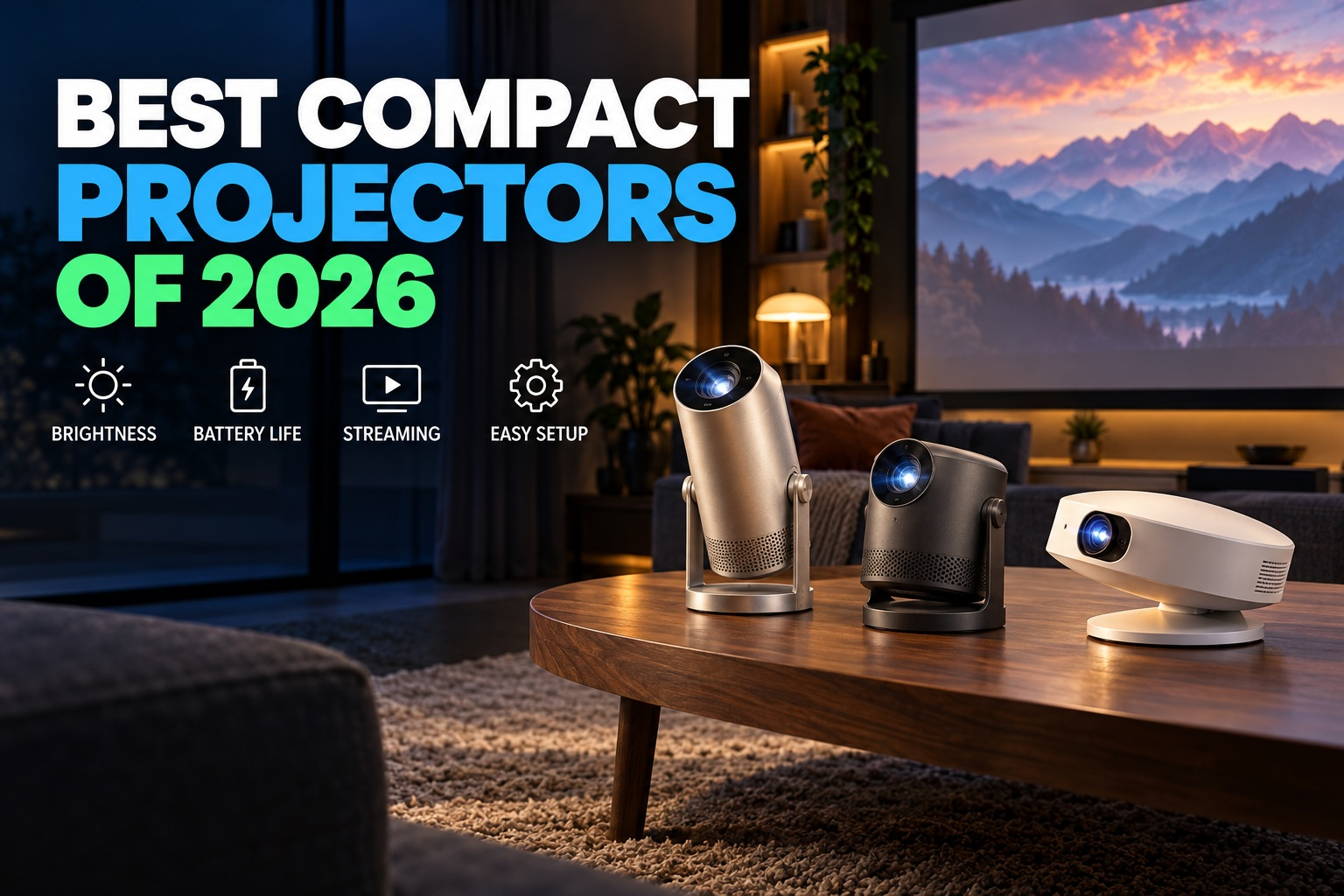
The best compact video projector should make movie night easier to move, not give you another bag of accessories to organize. Our Best Overall pick for 2026 is the XGIMI MoGo 4. The MoGo 4 Laser suits frequent travelers willing to pay for a premium light engine, while the BenQ GV50 fits bedroom ceiling viewing.
This guide focuses on compact, battery-equipped 1080p projectors for casual films and streaming in controlled light. We compared current U.S. buying options, original performance testing and practical ownership costs. None is our recommendation for watching sports in full afternoon sun.
Best Compact Projectors: Quick Answer
XGIMI MoGo 4
4.4 / 5
Most buyers seeking a compact movie-night setup.
$399 checked; $499 list
XGIMI MoGo 4 Laser
4.0 / 5
Frequent travelers willing to pay more for the light engine.
$669 checked; $799 list
BenQ GV50
4.2 / 5
Home viewers prioritizing easy wall-to-ceiling aiming.
$649 checked at B&H
How We Evaluated
This is an independent research comparison, not hands-on testing by EverydayRated. Manufacturer documents establish specifications; current stores establish purchase details. Original reviews by ProjectorCentral, RTINGS, PC Gamer and WIRED inform performance and usability. We considered smaller Nebula Capsule models and larger lifestyle projectors, then prioritized integrated setup, clear current buying paths and distinct uses.
Our consistent editorial rubric weighs image usefulness and performance evidence (35%), portability and power flexibility (20%), setup and streaming (20%), ownership cost and value (15%), and support documentation and ownership uncertainty (10%). Factors are assessed on a five-point scale; ratings are judgments, not laboratory measurements. We did not establish comparable long-term failure rates.
Best Overall means the best balance for typical buyers, not the costliest light engine. The alternatives solve different problems. Award order reflects distinct uses; the bedroom specialist scores higher than the more expensive travel upgrade because price and performance limits affect overall value. ISO and ANSI lumen claims are labeled separately rather than treated as identical measurements. Published results vary with sample, settings and method.
Last reviewed: October 2026. Research and U.S. purchase listings checked October 27, 2026. Prices are U.S. dollars before tax and can change.
At-a-Glance Comparison
| Projector / award | Score / price | Image / claimed output | Weight / power | Tradeoff |
|---|---|---|---|---|
| XGIMI MoGo 4 Best Overall | 4.4/5 $399 checked; $499 list | 1080p LED / 450 ISO lumens | 2.9 lb / battery + AC | Strong price and portability balance; needs darkness |
| XGIMI MoGo 4 Laser Best Premium Travel Option | 4.0/5 $669 checked; $799 list | 1080p triple laser / 550 ISO lumens | about 2.9 lb / battery + AC | Premium travel upgrade; still needs controlled light |
| BenQ GV50 Best for Bedroom Ceilings | 4.2/5 $649 checked at B&H | 1080p laser / 500 ANSI lumens | 4.6 lb / battery + AC | Flexible home placement; larger travel footprint |
XGIMI MoGo 4
The MoGo 4 makes the strongest everyday case because it combines a useful adjustable stand, built-in streaming and a battery without asking you to spend premium-projector money. The current U.S. store showed $399 for the standalone unit against a $499 list price. It is our Best Overall choice for a bedroom, occasional weekend away or movie night that moves between rooms. [1]
Its appeal starts before the film does. A small projector is easier to enjoy when you can aim it without assembling a tripod or balancing books under the case. The rotating stand gives you that flexibility, while Google TV with licensed Netflix reduces the need to carry an extra streamer. Paid streaming subscriptions still apply. Those conveniences matter more to many casual viewers than decorative lighting effects. [1]
Independent testing provides a useful reality check. ProjectorCentral reported 258 lumens in the Standard picture preset with Standard brightness and 151 with ECO brightness. Its review found autofocus needed manual refinement and screen mirroring performed poorly. The reviewer preferred Standard or adjusted User settings for more natural color. These findings support an after-dark recommendation, rather than bright daytime promises. [2]
Living with this compact projector
Begin with a modest image and increase its size only while faces and darker scenes remain comfortable to see. Leave room in the bag for the charger, and use wall power when available. A battery projector is a convenience purchase; expecting it to replace a bright living-room television is an expensive misunderstanding.
XGIMI claims up to 2.5 hours of video playback in Eco mode. That is a conditional maximum, not a promise that a long film will finish at your preferred brightness. The optional PowerBase stand costs extra. The direct store states 12-month warranty coverage; confirm the terms for your chosen seller. Comparable long-term failure rates were not established. [1]
Choose the standard model when you want a sensible entry into portable projection and will use its stand and apps. Skip it if daylight viewing, a permanent huge screen or minimal interaction with focus controls is essential. The lower cost leaves room for blackout curtains or a useful screen.
Pros
- Lower verified purchase price than the other picks
- Adjustable stand and streaming simplify packing
- Independent picture-performance evidence available
Considerations
- Limited light output, especially in Eco mode
- Independent reviewer found focus and mirroring weaknesses
- Extended-runtime stand costs extra
XGIMI MoGo 4 Laser
The MoGo 4 Laser is the upgrade for someone who uses a portable projector often enough to justify paying more for its light engine. It retains the compact adjustable format but changes from LED illumination to RGB triple laser. The U.S. standalone listing showed $669 against a $799 list price, a $270 premium over the standard model at checked prices. [3]
XGIMI specifies 550 ISO lumens, Google TV with licensed Netflix and battery video playback up to 2.5 hours in Eco mode. Its color-gamut advertising describes a capability claim; it does not establish that every scene is accurate or every preset is well tuned. A laser label also does not make a small projector immune to a bright room. [3]
RTINGS independently tested this exact Laser model, so its findings should not be confused with the LED version. It found rich color volume, but also an overly warm default picture, raised blacks, movie judder and limited brightness. This is a portable convenience upgrade with compromises, not a recommendation for serious home-cinema use. Motion-sensitive viewers should try it during the return window. [4]
PC Gamer liked its adaptable design but found automatic alignment could struggle to recognize some wall boundaries. Manual correction was available. That matters in hotel rooms and unfamiliar spaces: automatic setup saves time when it works, but you should still know how to adjust the picture yourself. [5]
Is the portable projector upgrade worth it?
The buying question is whether the extra money solves your problem. Occasional viewers get the same basic role from the lower-priced standard model. Frequent travelers who care enough about the picture to compare presets and control the light have a better reason to upgrade. Paying more here does not buy a native 4K image.
The direct store states a 12-month warranty. Budget separately for extended-runtime accessories, a case or a screen, and compare the standalone package with the Outdoor Collection before ordering. Package contents can change apparent value. This model’s higher cost is harder to defend for casual buyers. [3]
Pros
- Triple-laser engine in a compact travel format
- Built-in streaming, battery and adjustable stand
- Independent exact-model testing available
Considerations
- Costs $270 more than the standard model at checked prices
- Independent testing found judder, warm default colors and raised blacks
- Automatic alignment can need manual correction
BenQ GV50
The GV50 is our bedroom specialist because its base is designed around changing where you watch. If a film on the ceiling sounds more appealing than a permanent wall mount, that physical flexibility has value. B&H listed the exact GV50 in stock at $649 when checked; shipping and availability depend on location. [8]
BenQ specifies a 1080p laser image, 500 ANSI lumens and a 4.6 lb body. Its dimensions are approximately 5.12 × 8.31 × 7.54 inches. It is compact enough to move around a home, but takes more luggage space than the thermos-shaped XGIMI options. Its 18W speaker system and built-in Google TV make it an integrated entertainment device. [6] [7]
WIRED praised the stand and easy ceiling projection, while reporting middling picture quality and contrast, sluggish operation and Wi-Fi trouble in the reviewer’s setup. That counterbalances the design appeal. A clever base makes placement easier; it cannot guarantee a cinematic picture or flawless networking. [9]
One practical advantage is the documented USB-C DisplayPort input, alongside HDMI and a 3.5 mm audio output. BenQ lists ARC audio return, not eARC. This gives you options for a compatible laptop or private listening, but each source and cable must support the intended connection. A USB-C socket alone never tells the whole story. [6]
Bedroom setup and ownership
The battery is useful for moving between rooms, but wall power is the sensible default beside a bed. Position the projector on stable furniture with clear ventilation. Think through the actual viewing position before spending: an awkward nightstand can undermine even a flexible stand. This pick is about home comfort rather than the smallest travel bag.
For warranty coverage, consult the linked U.S. BenQ policy and your authorized seller’s terms. We did not establish a separate battery-coverage promise from the accessible policy page, so we do not assign an ownership advantage on that basis. Choose the GV50 for placement flexibility, rather than assuming its size guarantees better pictures or longer service life. [10]
Pros
- Base suits bedroom wall and ceiling placement
- USB-C DisplayPort, HDMI and wired audio options
- Integrated streaming and 2.1-channel sound
Considerations
- Larger and heavier than the travel-focused picks
- Independent review reported sluggishness and Wi-Fi issues
- No HDMI eARC; confirm warranty and battery terms
Buyer’s Guide: Choose a Compact Video Projector for Your Room
1. Buy for your light level, not the biggest advertised screen
Brightness is the first constraint. Look for a measurement standard and independent results at useful picture settings. A large unlabeled “lumens” number is not a dependable comparison. Do not compare a manufacturer’s brightest-mode claim against another reviewer’s calibrated result as though the settings match.
Screen size matters because the available light spreads over a larger area. Start around 60–80 inches in a dark room as a practical trial, rather than assuming the maximum advertised diagonal is sensible. This is setup advice, not a measured optimum for every model. If the image looks washed out, shrink it, darken the room or choose a brighter projector class.
Native resolution is easy to confuse. “Accepts 4K” describes an input capability, not necessarily the image shown. All three picks display 1080p. HDR support also does not guarantee the bright highlights you might expect from a good television. Pay for the result in your room rather than a badge on the box.
2. Plan placement before trusting automatic setup
Throw ratio is lens-to-screen distance divided by image width. At a 1.2:1 ratio, an 80-inch 16:9 picture is about 69.7 inches wide and needs roughly 83.6 inches, or seven feet, from lens to screen. This is a geometric estimate; check model-specific placement guidance and allow room for the projector itself.
Autofocus adjusts sharpness. Keystone correction digitally reshapes a trapezoid into a rectangle. Neither replaces good placement, and heavy digital correction sacrifices usable image area. Aim squarely at the screen where practical. Use the stand to solve the angle before relying on software.
A smooth neutral wall can be enough to discover whether you enjoy projection. Texture or a colored ceiling can change the image. Delay a premium screen purchase until you know the size, location and light level. Our smart lighting buying guide covers room-control options; dimming nearby lamps is part of a comfortable projector setup.
3. Treat runtime and USB-C as conditional features
An “up to” battery runtime is a maximum under specified conditions, commonly an economy mode. Add setup time and a buffer for the ending rather than matching a claim to the film’s exact length. Plug in at home and reserve the battery for times when it adds useful freedom.
Check both power and video support when you see USB-C. Some ports accept charging without accepting video. A power bank must provide the required voltage, wattage and protocol, and the cable must support the load. A phone charger is not automatically suitable.
Our charging stations guide explains why per-port output and shared wattage matter. Compare those details with the projector manual before buying accessories. Include a case, charger, screen and extension battery in the total cost, rather than comparing bare projector prices alone.
4. Check streaming, sound and ownership details
Licensed Netflix and a familiar platform can remove a device from your packing list. They do not remove subscriptions or the need for a usable network. Casting protected video from a phone can behave differently from using the native app. Test your actual services during the return window.
Read reviews for the exact generation and software version. ProjectorCentral’s 2023 Capsule 3 Laser review covered an Android TV unit without an authorized Netflix app. That historical finding should not be applied indiscriminately to later Google TV versions. Similar names can describe different buying experiences. [11]
For sound, check whether headphones, an external speaker or HDMI audio return fit your plans. Bluetooth may introduce delay; a supported wired connection can be preferable when dialogue synchronization distracts. A smart speaker is not automatically a compatible low-latency projector speaker.
Keep vents clear and follow the manual’s placement and light-source instructions. Avoid looking into the beam. Check return terms, battery service options and warranty exclusions. XGIMI’s mini remotes contain coin cells: keep them away from children and stop use if the battery compartment is insecure. [1] [3]
Related Movie-Night Buying Guides
Use the contextual guides above for the next decision: smart lighting helps with room control, while charging stations help with accessory power. Our Tech & Gadgets guide index collects other technology advice. Check compatibility separately before adding equipment.
EverydayRated Verdict
XGIMI MoGo 4 is our Best Overall compact projector for 2026 because price, integrated streaming and its adjustable form make the most balanced package for casual viewing. Choose MoGo 4 Laser for frequent travel when its premium light engine justifies the cost. Choose BenQ GV50 when bedroom ceiling placement matters more than a small travel footprint.
If you mainly watch in daylight or want a permanently installed, very large picture, consider a television or brighter home projector. Before buying a compact model, settle the light level and realistic screen size. Movie night gets better when the room and projector agree on the assignment.
Sources & Research
Accessed October 27, 2026. Manufacturer claims are distinguished from original independent testing. Review samples, modes and software may differ.
- XGIMI MoGo 4: current U.S. store, features and warranty
- ProjectorCentral: original MoGo 4 review and measurements
- XGIMI MoGo 4 Laser: U.S. store and specifications
- RTINGS: original MoGo 4 Laser testing, updated August 2026
- PC Gamer: original MoGo 4 Laser review, January 2026
- BenQ: GV50 specifications
- BenQ: GV50 features and Netflix support
- B&H: exact GV50, current price and stock
- WIRED: original GV50 review, August 2026
- BenQ: U.S. warranty information
- ProjectorCentral: older Android TV Capsule 3 Laser review